
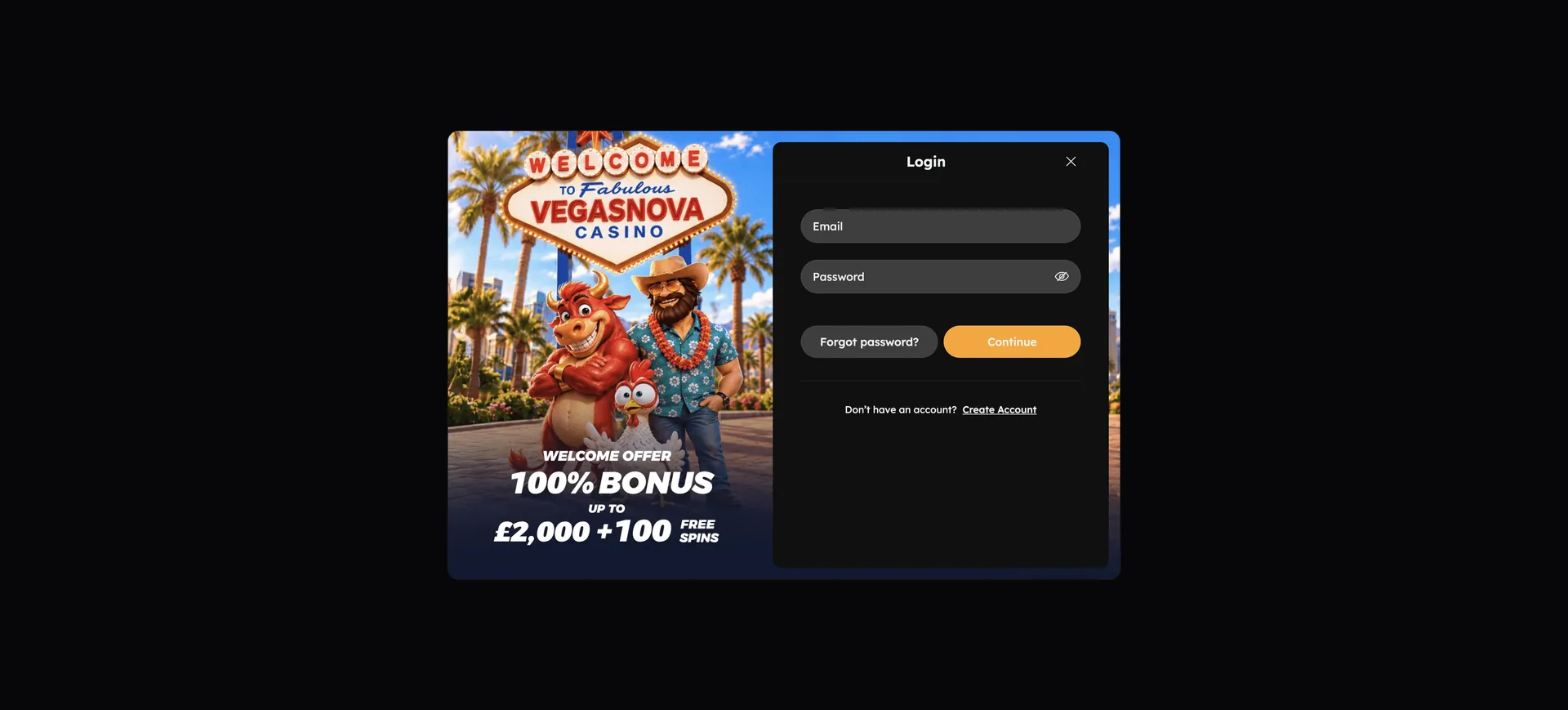
The Vegasnova Casino Login works with the email address and password chosen at registration: open vegasnovacasinos.co.uk, press the login button, enter both and the account with its EUR balance opens. The same form is used on desktop and in the mobile browser, including the progressive web app on iOS and Android. If the password is not accepted, the "forgot password" option sends a reset link to the registered email; if access is still blocked, support at [email protected] can check the account.
Security rests on three points: one account per person, a password known only to the account holder and a document check before the first withdrawal. The casino does not list two-factor authentication among its account features, so a strong, unique password carries most of the protection.
| Login essentials | Details |
|---|---|
| Access | |
| Where to log in | vegasnovacasinos.co.uk, login button on the site |
| Credentials | Email address and password |
| Password reset | Available via the registered email |
| Devices | Desktop browser, mobile browser, PWA on iOS and Android |
| Account rules | |
| Minimum age | 18 |
| Accounts per person | One |
| Inactivity | After 3 months; €5 fee |
| Verification | At the first withdrawal, up to 5 business days |
| Currency | EUR |
| Support | [email protected] |
Signing in to Vegasnova step by step
Two pieces of data are needed for the Vegasnova login: the email address and the password. No username or phone number is part of the process, which keeps the form short on every device.
The login sequence
The order below works the same on a laptop and on a phone:
- Open vegasnovacasinos.co.uk in an up-to-date browser.
- Press the login button.
- Enter the email address used at registration.
- Type the password; capital and lower-case letters count.
- Confirm and wait until the account area with the EUR balance loads.
Account numbers worth knowing after login
Three figures shape what happens in the account once it is open. The 3-month inactivity rule, the €500 daily withdrawal limit for standard accounts and the verification time of up to 5 business days are the ones players notice most often.
| Rule | Value | What it means after login |
|---|---|---|
| Inactivity | 3 months, €5 fee | A login and some activity keep the account active |
| Daily withdrawal limit | €500 (non-VIP) | Larger balances are paid out over several days |
| Monthly withdrawal limit | €10,000 (non-VIP), €30,000 (VIP) | VIP status raises the ceiling |
| Verification | Up to 5 business days | Starts with the first withdrawal request |
| Bonus wagering | 20x deposit + bonus, 3 days | The countdown runs whether or not the player logs in |
The last row is easy to overlook: the 3-day wagering window of the welcome bonus keeps running between sessions. Logging in only once during that period usually means the bonus expires.
No account yet: Vegasnova registration
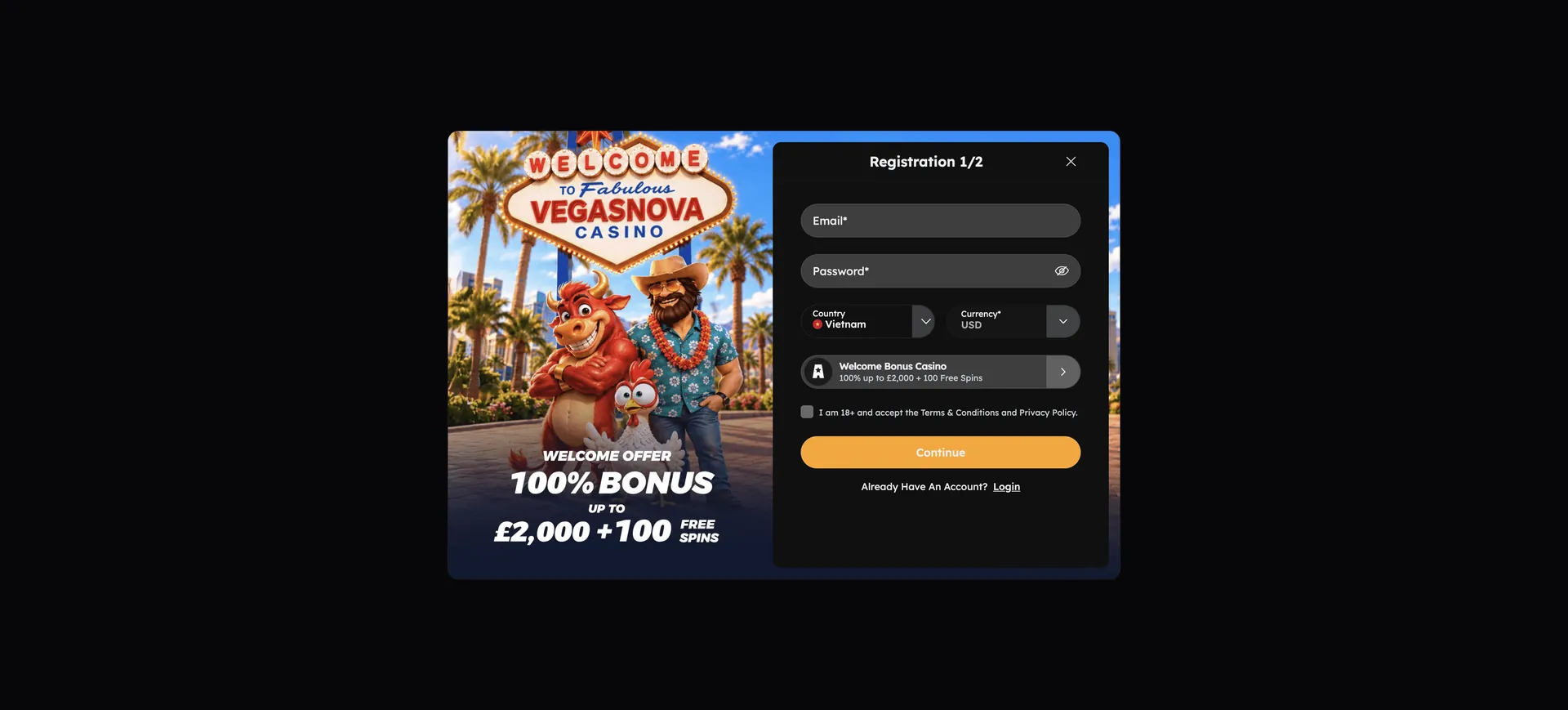
Without an account, the login form has nothing to check. Registration takes four fields and includes the bonus decision.
Quick registration flow
The sign-up form asks for email, password, country and currency, and then shows the bonus choice:
- Choose the sign-up button on the start page.
- Enter an email address and create a password.
- Select the country of residence and EUR as currency.
- Accept the welcome package or decline it on the bonus screen.
- Confirm; from now on the email and password are the login data.
Countries on the restricted list cannot register; within the EU this applies to Cyprus. A second account for the same person is not allowed and is closed once detected.
Recovering a forgotten password
Password recovery runs through the email address stored in the account. That is why an address the player checks regularly matters more than it seems at sign-up.
Reset steps
The reset takes a few minutes if the email arrives promptly:
- Open the login form and choose the "forgot password" option.
- Enter the registered email address.
- Open the reset email; if it is missing, check the spam folder.
- Follow the link and set a new password.
- Log in with the new password.
Safe login habits
Since no two-factor authentication is listed, the protection of the account depends on the password and the device. The habits below cover most risks:
- Use a password that is not used on any other site.
- Do not save the password in a browser on a shared computer.
- Log out after playing on a public network.
- Type the address vegasnovacasinos.co.uk directly instead of following links in unknown emails.
- Contact [email protected] at once if the balance or account details change unexpectedly.
Logging in on a phone
Mobile access works in the browser, and Vegasnova also offers a progressive web app for iOS and Android. The login form and the credentials are the same as on desktop; an app is not needed for that.
Tips for mobile sign-in
On small screens, autocorrect is the most common cause of failed logins. Switching it off for the email field, or using the password manager of the phone, avoids typos. The PWA keeps the site on the home screen, so the address does not have to be typed every time. Login data entered there are the same as in any browser.
When the Vegasnova casino login fails
Most login problems fall into four groups. Each has a typical cause and a quick fix.
Wrong email or password
The password field is case-sensitive, and a space copied along with the email address also makes the attempt fail. After two failed attempts, the password reset is faster than further guessing.
Browser and cache problems
If the form does not react or the page reloads without logging in, stored browser data or extensions are usually the cause:
- Clear cache and cookies, then reload the page.
- Disable script and ad blockers for the site.
- Try another current browser such as Chrome, Safari or Firefox.
Access from a restricted country
The terms list countries from which play is not accepted, including the United States, Russia and, within the EU, Cyprus. Logging in while travelling in such a country can be refused. Using tools to hide the location breaks the terms and puts the balance at risk.
Account blocked or closed
A duplicate account, a self-exclusion or a time-out set in the responsible gambling tools all stop the login. A self-exclusion cannot be lifted by a password reset. In all other cases, support at [email protected] explains the reason and the next step.
What the account offers after login
Once signed in, the account gives access to everything that needs a balance:
- Cashier: deposits in EUR and in BTC, ETH and XRP; withdrawals from €20, by bank transfer from €50.
- Bonuses: the active welcome stage, the 33% reload, the weekend cashback and No-Wager Friday.
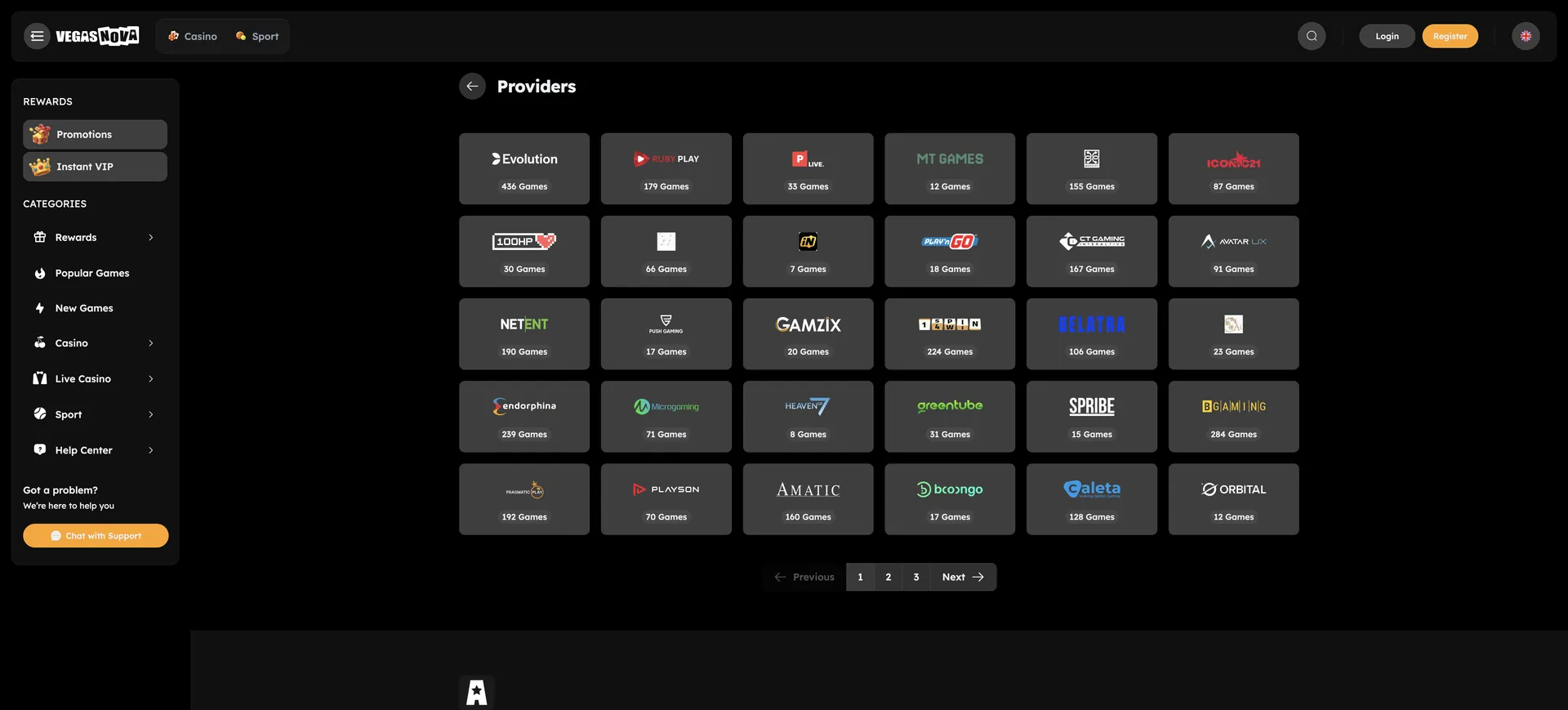
- Lobby: slots, live casino, game shows, crash and instant games from 40 studios.
- Sportsbook: football, basketball, tennis and e-sports.
- Responsible gambling: deposit limits, time-outs and self-exclusion.
Verification after the first login
The document check does not start at login or registration but with the first withdrawal request. The casino can ask for a government-issued ID, proof of residency, a photo of the payment card with the CVV and middle digits covered, a bank reference, proof of source of funds, a deposit confirmation and, in individual cases, a notarised identity document. The review of the documents can take up to 5 business days, so uploading them soon after the first login shortens the first payout. All details on limits and timing of payouts are on the withdrawal page. An overview of all key facts about the casino is on the Vegasnova start page.