
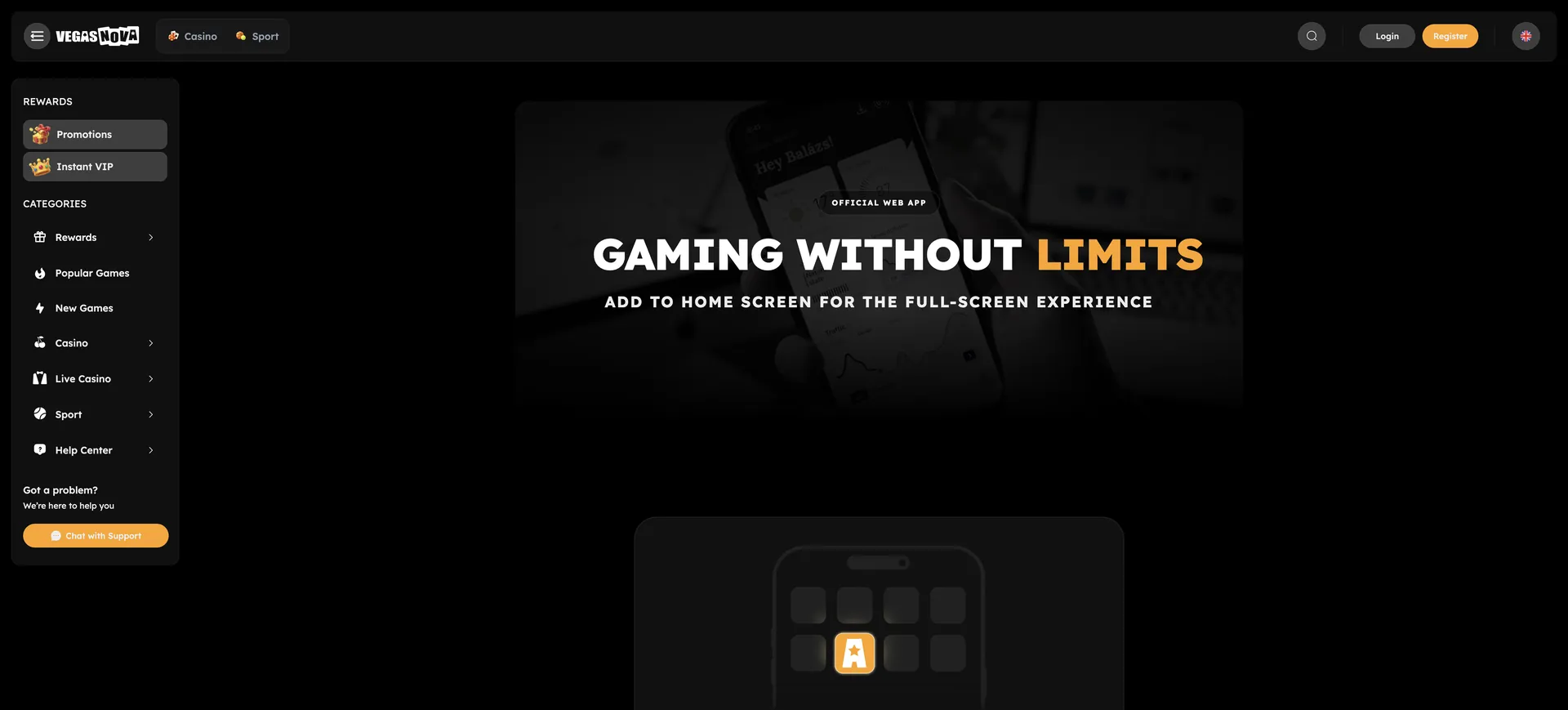
A native Vegasnova Casino App does not exist in the App Store or on Google Play; instead, the casino offers a progressive web app (PWA) for iOS and Android. It is installed from the mobile browser by adding vegasnovacasinos.co.uk to the home screen and then opens like an app, with the same account, EUR cashier, bonuses, live tables and sportsbook as on desktop. Nothing has to be downloaded from a store, and updates arrive automatically with every visit.
This page explains how to install the PWA on iPhone and Android, which features and limits apply on mobile, how deposits and withdrawals work from a phone and what to keep in mind about security and verification.
| Feature | Mobile details |
|---|---|
| Access | |
| Native app | No; not in the App Store or Google Play |
| PWA | Available for iOS and Android |
| Download required | No; installed from the browser |
| Updates | Automatic, on the server side |
| Money | |
| Currency | EUR; crypto in BTC, ETH, XRP |
| Bonus deposits | From €20 per welcome stage |
| Minimum withdrawal | €20; bank transfer €50 |
| Withdrawal time | Up to 48 hours |
| Content | |
| Games | Same lobby as desktop, 40 studios |
| Live casino | Evolution and Pragmatic Live, 12 game shows |
| Sportsbook | Football, basketball, tennis, e-sports |
Is there a Vegasnova app for Android or iOS?
Zero downloads from official stores are needed, because there is no native app. The operator has chosen the PWA route: a web application that runs in the browser engine of the phone but can be launched from the home screen with its own icon. For the player, the difference to a store app is small. The account, balance and bonus progress are stored on the server, so switching between PWA, mobile browser and desktop does not change anything.
A practical advantage is that no APK files from unknown sources are involved. Any file offered as a "Vegasnova APK" outside the official site should be treated with caution, since the casino itself does not distribute one.
Mobile limits and payments in EUR
The cashier on the phone has the same thresholds as on desktop: €20 to qualify for each welcome stage, €20 minimum for crypto withdrawals and most other methods, €50 for bank transfer. Withdrawal limits for standard accounts are €500 per day and €10,000 per month.
| Cashier item | Value on mobile |
|---|---|
| Minimum deposit for welcome bonus | €20 |
| Crypto | BTC, ETH, XRP |
| Minimum withdrawal (crypto, other) | €20 |
| Minimum withdrawal (bank transfer) | €50 |
| Withdrawal limit, non-VIP | €500 per transaction and per day, €10,000 per month |
| Withdrawal limit, VIP | €30,000 per month |
| Processing / total time | 6 hours / up to 48 hours |
Crypto is particularly convenient on a phone: a wallet app on the same device can scan or copy the deposit address directly. For a €100 deposit with the welcome bonus, the balance becomes €200 and the wagering target €4,000 within 3 days, regardless of whether the player uses the PWA or a computer. All details on limits and procedure are on the withdrawal page.
How to open Vegasnova on a phone
Without installing anything, the casino opens in any current mobile browser:
- Open Safari, Chrome or another current browser.
- Enter vegasnovacasinos.co.uk.
- Log in with email and password or register with four fields: email, password, country, currency.
- Open the cashier, the lobby or the sportsbook from the menu.
Installing the Vegasnova PWA on the home screen
The PWA is created from the browser in a few taps. Afterwards, the icon starts the casino in a window without browser bars.
iPhone and iPad (Safari)
On iOS, the home screen option sits in Safari's share menu:
- Open vegasnovacasinos.co.uk in Safari.
- Tap the share icon (square with an arrow pointing up).
- Choose Add to Home Screen.
- Keep or change the name and tap Add.
- Start the casino from the new icon.
Android (Chrome)
On Android, Chrome either offers installation itself or provides it in the menu:
- Open vegasnovacasinos.co.uk in Chrome.
- Tap the three-dot menu in the top right corner.
- Select Install app or Add to Home screen.
- Confirm the installation.
- Open the casino from the icon on the home screen or in the app drawer.
What works in the mobile version
The PWA is not a reduced edition. All main areas of the site are available:
- Lobby: slots, live casino, bonus buy, game shows, jackpots, crash, Megaways, instant games, new and popular games.
- Slots: titles such as Book of Dead, Wolf Power Megaways and Kraken's Hunger.
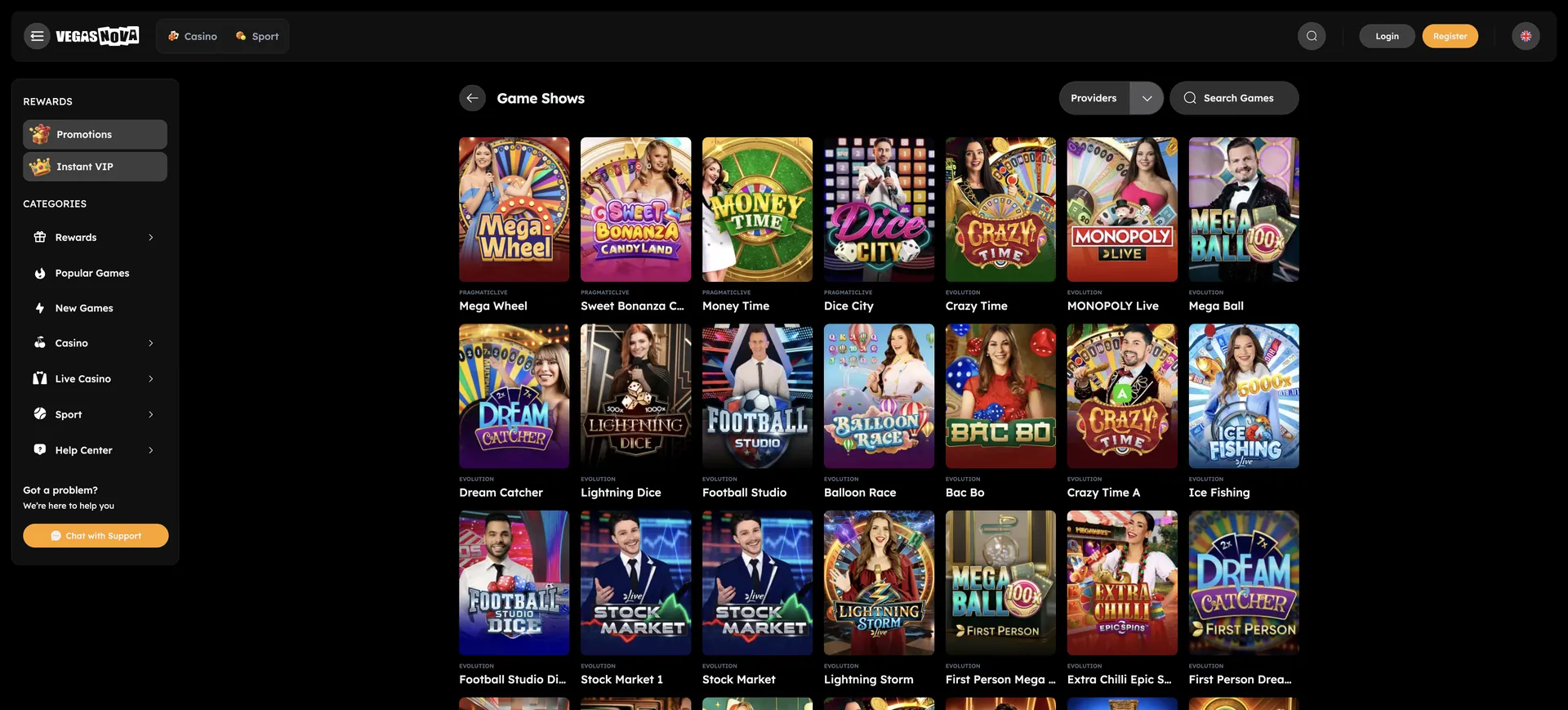
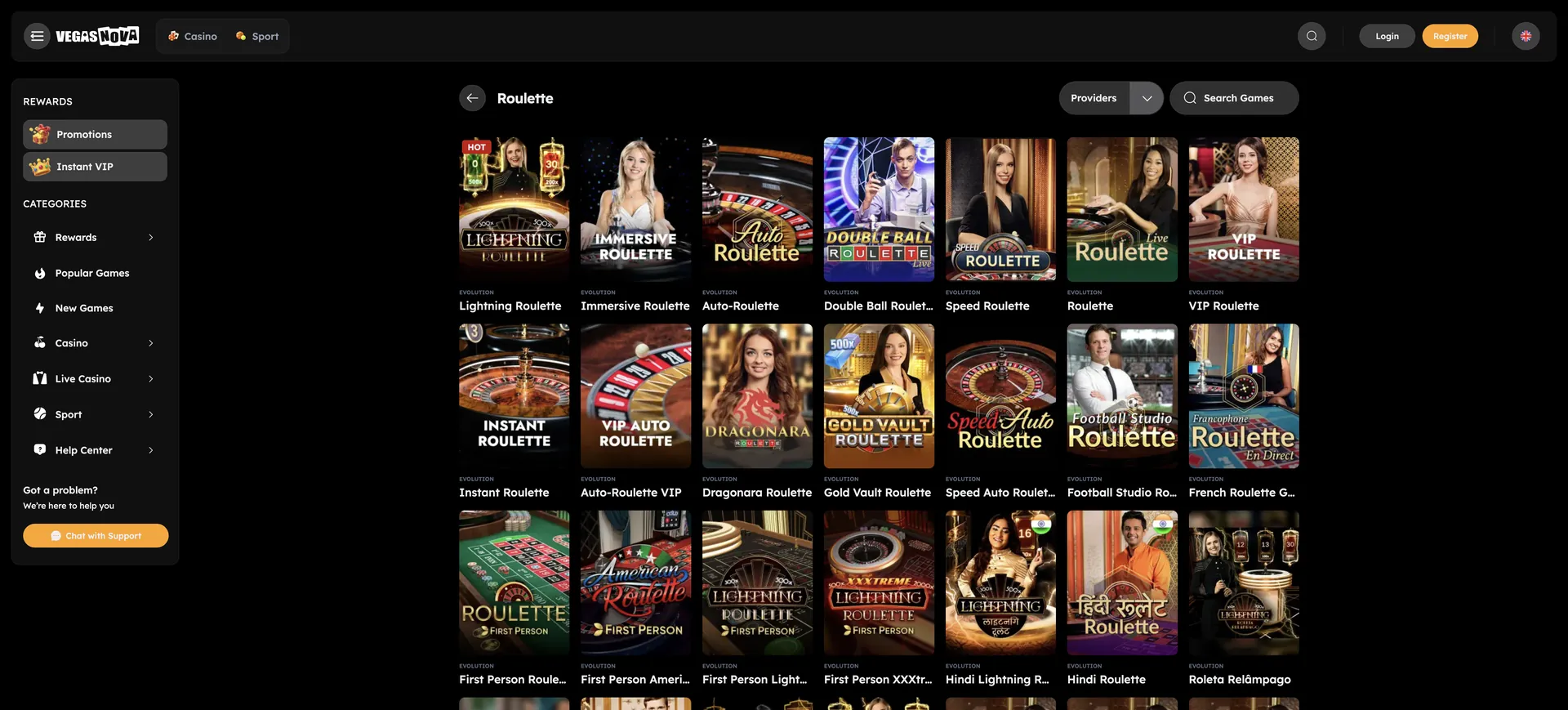
- Live casino: Lightning Roulette, Crazy Time, Mega Wheel and further game shows.
- Bonuses: welcome package over four deposits, 33% unlimited reload, 10% weekend cashback, No-Wager Friday.
- Sportsbook: football, basketball, tennis and e-sports.
- Account: cashier, document upload, deposit limits, time-outs and self-exclusion.
Performance on mobile
Because the PWA uses the browser engine, speed depends mainly on the device and the connection:
- Lobby: categories load as tiles; the new and popular tabs give a short list on small screens.
- Slots: HTML5 games run without plugins in portrait or landscape mode, depending on the title.
- Live streams: Evolution and Pragmatic Live adjust stream quality to the connection, a stable Wi-Fi or 4G/5G signal helps.
- Storage: the PWA takes up very little space compared with a native app.
Security and verification on mobile
Login, cashier and document upload follow the same rules as on desktop. The casino does not list two-factor authentication, so a screen lock on the phone and a unique password are the most important protection. The PWA should only be installed from the official address; links in unknown messages are not a safe source.
Verification starts with the first withdrawal request and can take up to 5 business days. The casino can ask for a government-issued ID, proof of residency, a photo of the payment card with the CVV and middle digits covered, a bank reference, proof of source of funds and a deposit confirmation. The phone camera is the fastest way to deliver these documents, provided all four corners are visible and the text is sharp.
Tips for players in the EU
A few points make mobile play smoother, especially with a running bonus:
- Check before installing that the country is not on the restricted list; within the EU, Cyprus is excluded.
- Keep the €5 maximum bet in mind while wagering; on a phone, the stake button is easy to change by accident.
- Use the 3 days of the bonus window actively, as the countdown continues with the app closed.
- Set a deposit limit in the account settings before the first bonus.
- Play through each deposit before withdrawing to avoid the 5% low-turnover commission.
The complete picture of bonuses, games and payments is summarised on the page about Vegasnova Casino.